
Help with BBU Learn.
For families and professionals who learn on BBU Learn. Your classes live on BBU Learn, a separate platform from this website. Find the answer here, or contact us and we will answer it directly.
Common
questions.
Getting started on BBU Learn
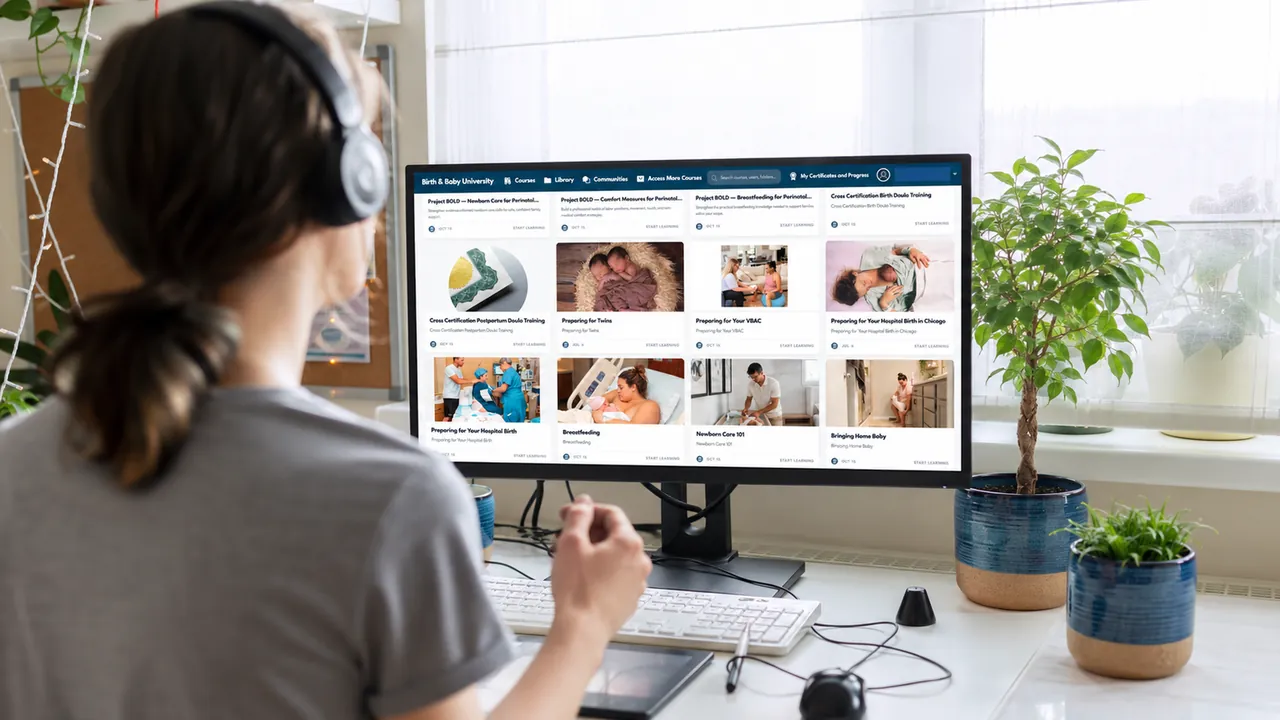
Your classes live on BBU Learn at learn.birthandbabyuniversity.com, which is a separate platform from this website. You log in there with the account you created when you enrolled.
I cannot log in, or I have forgotten my password
Your password is held by BBU Learn, not by this website, so it is reset there. Open the sign-in page and use the “forgot password” link under the sign-in form; the reset goes to the email address your account was created with.
If the reset email does not arrive, check the spam folder first, then contact us – we can see whether your account exists and tell you which address it is on.
I enrolled but the class is not in my account
Enrollments are attached to the account that made the purchase, so this is almost always a second account under a different email address. Sign in with the address the receipt went to. If you are not sure which that is, contact us with the class name and the date you bought it.
How do I get to my workbook
Workbooks are downloads inside the class on BBU Learn, in the library, once you are signed in and enrolled. They are not emailed and they are not on this website. Sign in first from the actions below, or from Log in in the header, and then open the library: the library shows the workbooks included with your account, and a signed-out visitor sees an empty one rather than a prompt.
How long do I have access
Access is to your account rather than to a window of time, so a class you have enrolled in stays in your account. Classes are bought one at a time or together with the All Access Class Pass.
A video will not play, or there is no sound
Tell us the class and the lesson, and what you saw – a spinner, an error, or a black frame – and which device and browser you were using. That is enough for us to find the lesson and check it.
Where the detailed learner guides are
The detailed learner guides are public. There are fourteen, one short article each, on signing in, finding your course, lessons and activities, progress, assessments, scores, certificates, downloads and workbooks, communities, the affiliate program in BBU Learn, your profile, and common problems: read them at Learner help. The administrator guides are for the BBU team and stay behind a staff sign-in; they are not public. If your question is not answered, contact us and we will answer it directly.
Still stuck?
Email us and tell us what you were doing when it went wrong, and what you saw. That is usually enough for us to sort it out.
Do it now
Still stuck?
Email us and tell us what you were doing when it went wrong, and what you saw.